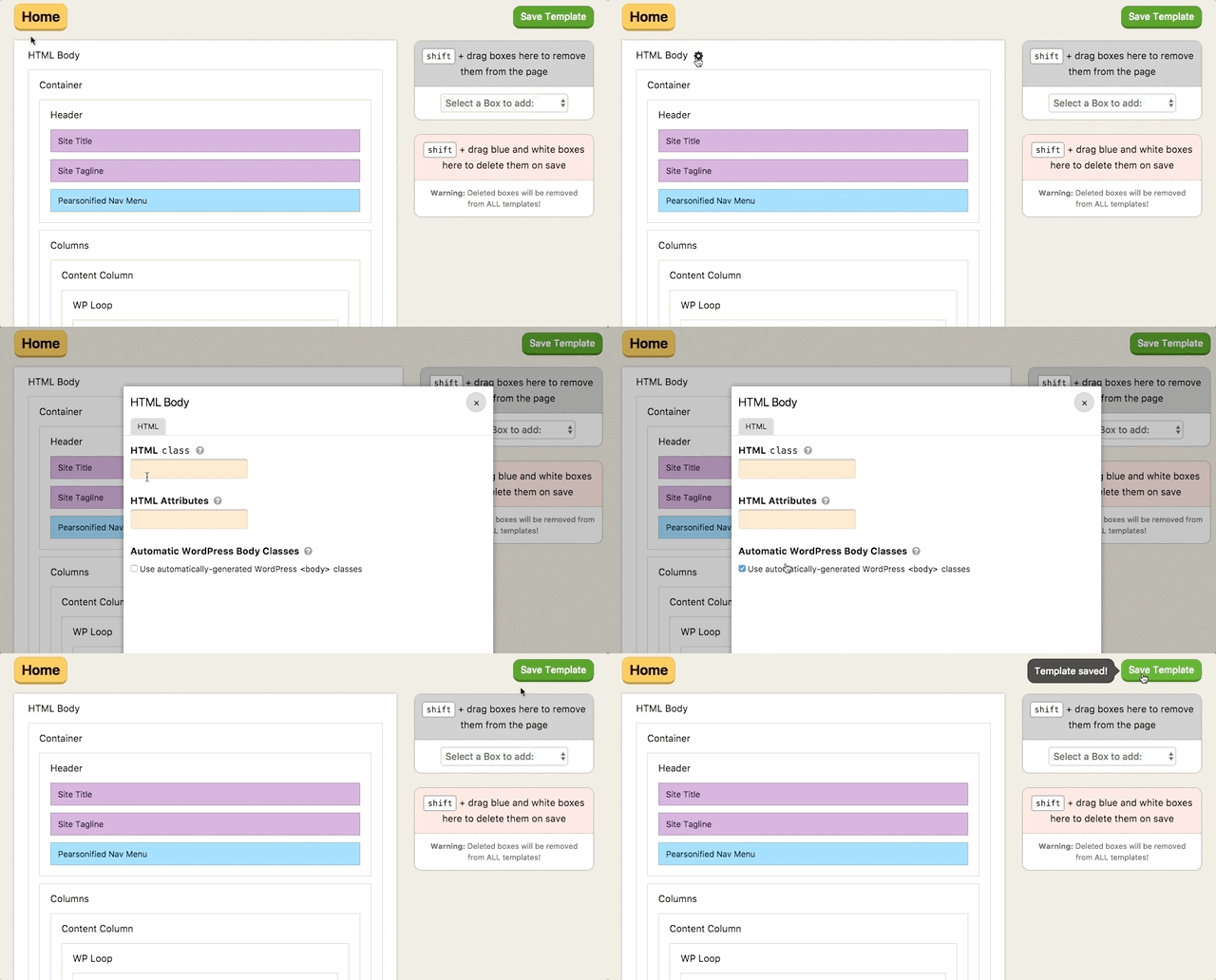
- Go to Skin Editor → HTML
- Hover over the HTML Body Box until you see the gear option, then click it to open the pop-up editing window
- In the HTML tab, check “Use automatically-generated WordPress body classes,” and then close the options popup
- Click Save Template to save your changes
Pro tip: The HTML Body Box appears on all templates, so you only need to do this once to have WordPress <body> classes appear on every page of your site.